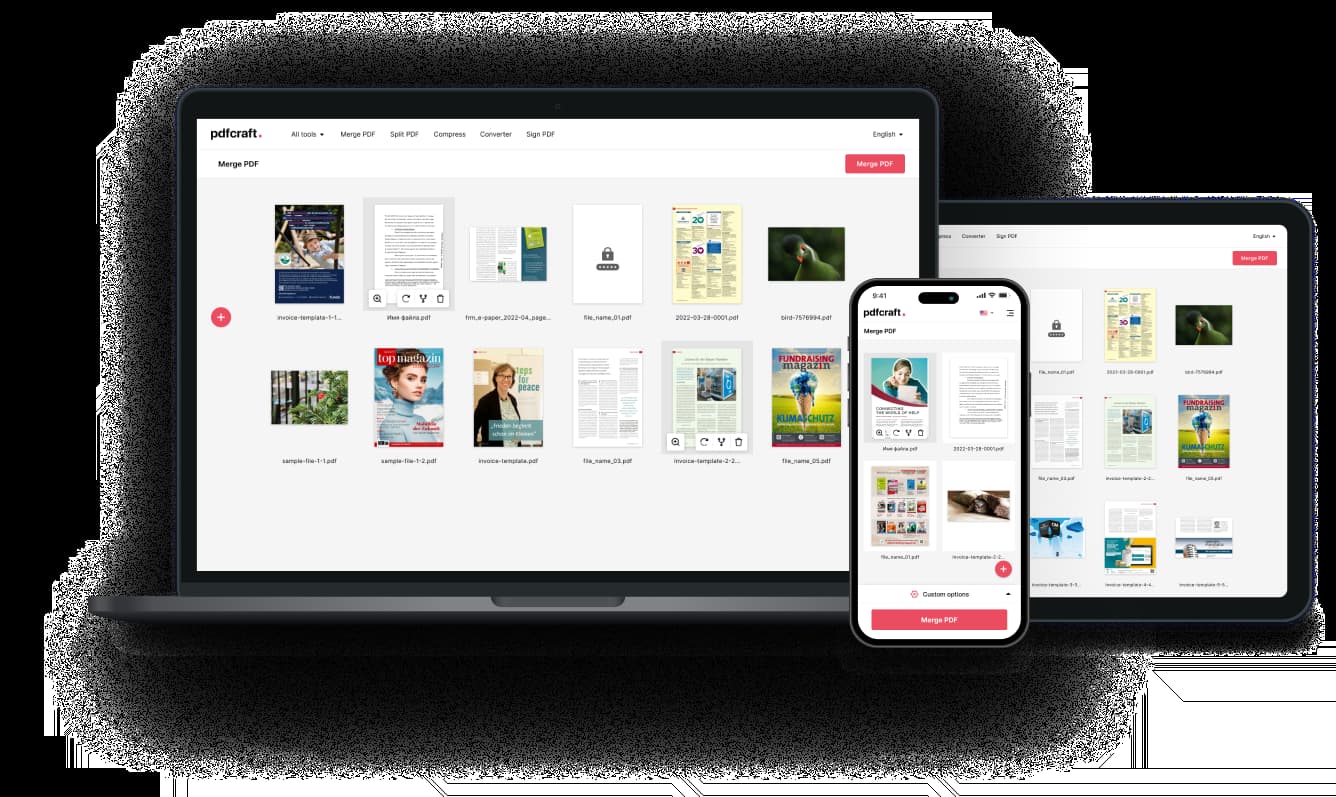
Compress PDF
Compress PDFs without losing quality.
or drop files here
How to Compress a PDF Online

Step 1: Choose Your PDFs:
Upload one or multiple PDF files from your device, Google Drive, or Dropbox.

Step 2: Adjust Compression Settings:
Select the desired compression level to reduce file size while keeping high-quality content.

Step 3: Download the Compressed PDFs:
Save the optimized files with reduced size, ensuring clear text and sharp images.
Fast & Efficient PDF Compression
Our online compressor processes your PDF files at high speed, optimizing them for storage and sharing. Reduce file size in seconds without compromising performance.

High-Quality PDF Compression
Worried about losing quality? Our advanced compression algorithm ensures your PDFs remain sharp, clear, and readable while significantly reducing file size.
Batch PDF Compression
Compress multiple PDFs at once with ease. Whether you’re working with large files or a collection of documents, our tool helps you streamline the process in a single click.
Key Features

Smart PDF Compression
Our tool uses advanced compression technology to reduce file size without compromising quality. Save storage space while keeping your PDFs clear and professional.

Secure & Reliable Processing
We prioritize your privacy. Your files are encrypted during processing and automatically deleted after completion, ensuring total security.

Cloud-Based & Hassle-Free
No downloads, no installations—compress your PDFs directly in your browser from any device, anywhere.

Lossless Quality Preservation
Reduce file size while maintaining sharp text and clear images. Choose the best compression level for your needs.

Free to Use
Enjoy unlimited PDF compression without sign-ups, subscriptions, or restrictions. Our service is free for everyone.

Batch Compression
Save time by compressing multiple PDFs in one go. No need to process files individually—upload, compress, and download all at once.
Compress PDFs on Any Device
Fully compatible with Windows, Mac, iOS, and Android—compress PDFs effortlessly.